5 Send and download videos in a conversation
1.Functional introduction
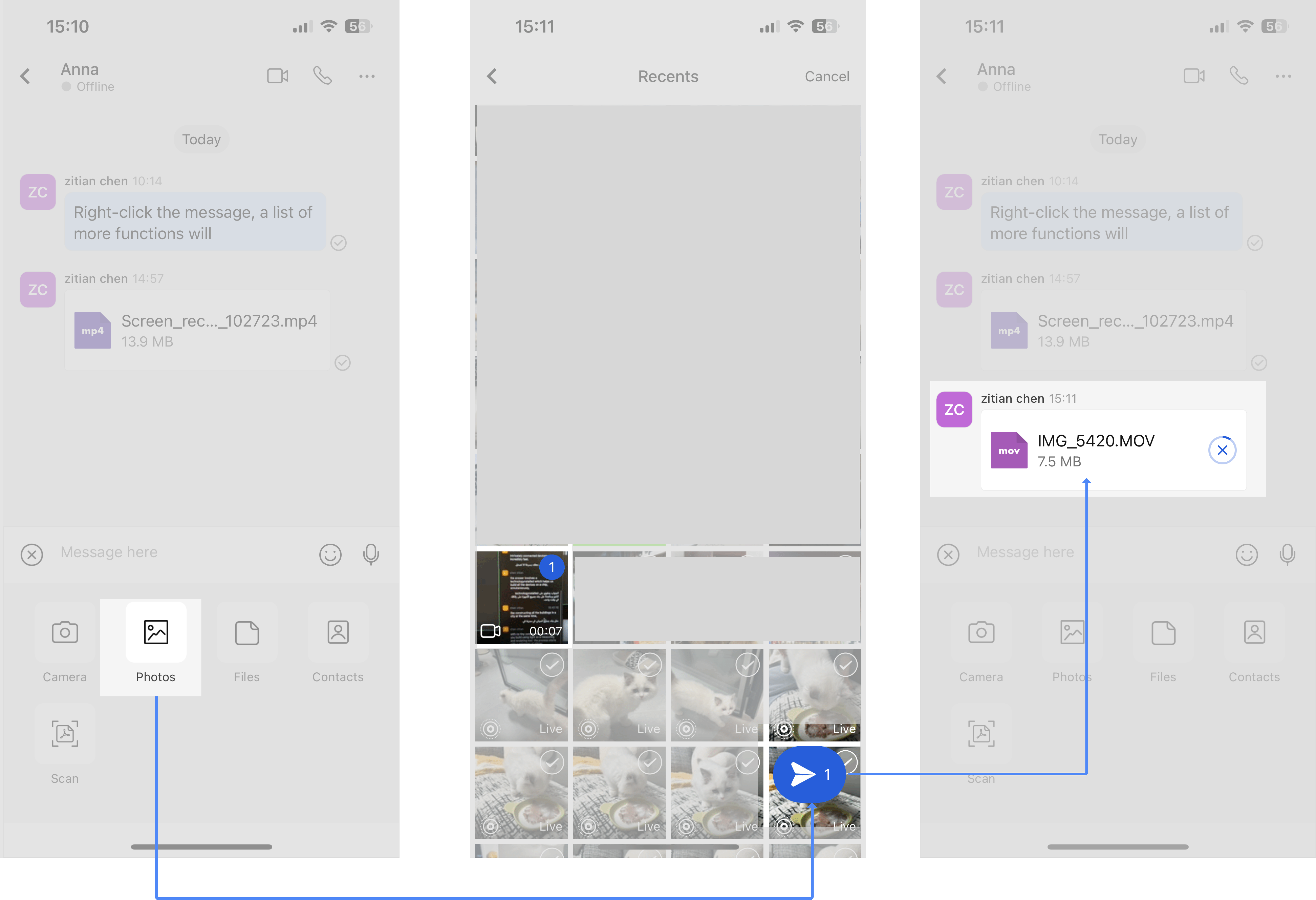
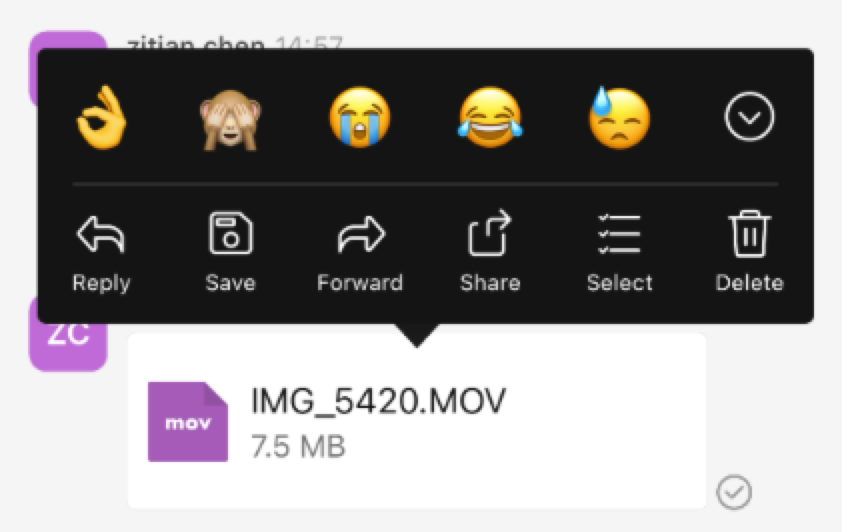
You can directly send and download videos in a conversation.
- Desktop
- Mobile
2.Operation process
2.1 Send videos in a conversation
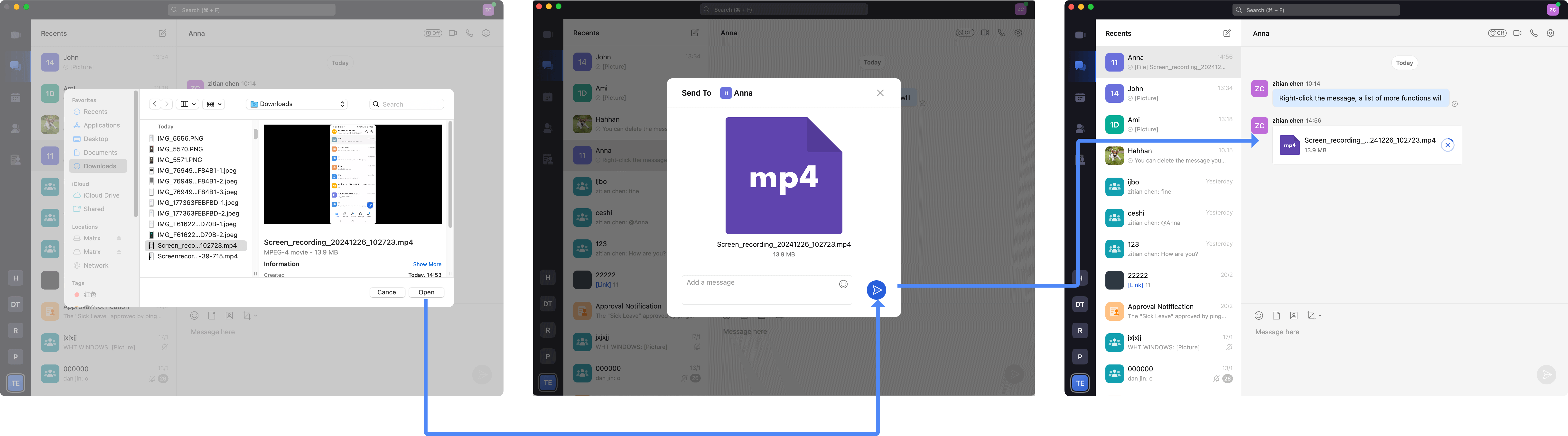
Click the Files icon above the input box and select a local video file to send.
2.2 Download videos in a session
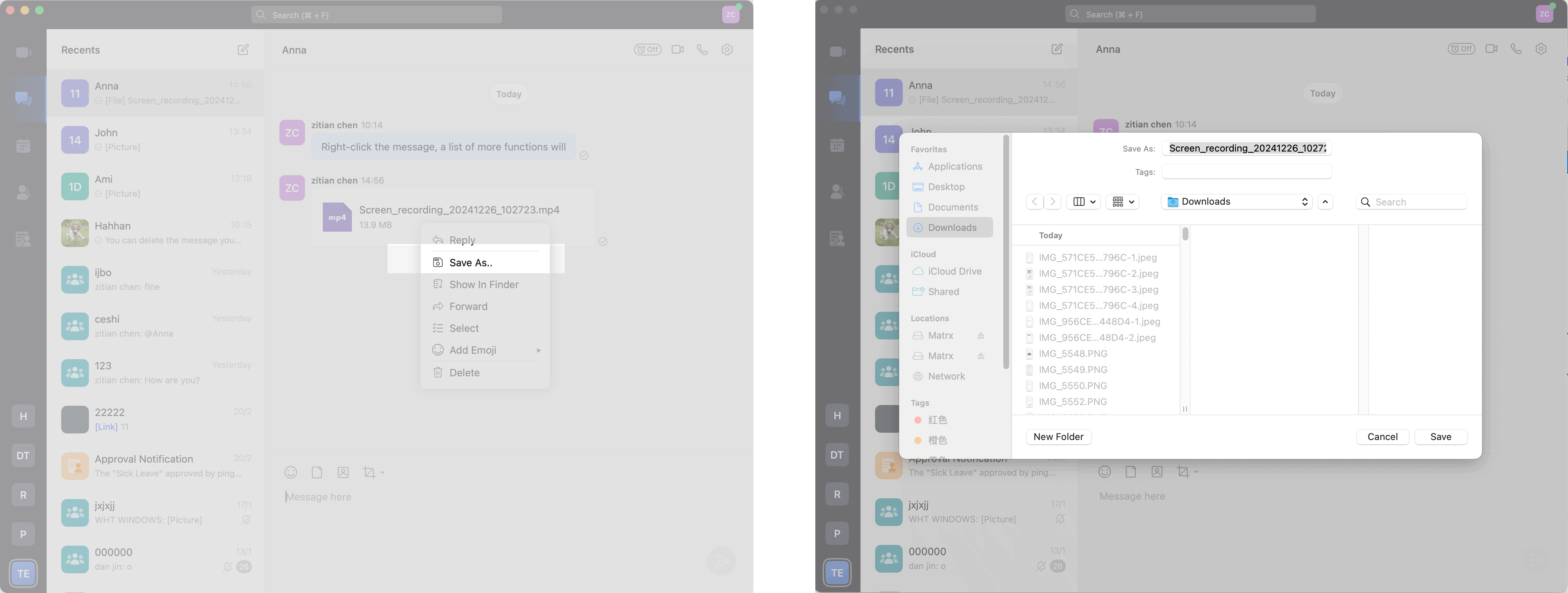
Right-click the video and select Save as in the More Functions list. Select the location where you want to save the video file and save the video locally.
3.Q&A
Q: Is there a size limit for sending videos directly in a conversation?
A: Yes. Videos are sent as attachments if they are less than 1 GB in length.